
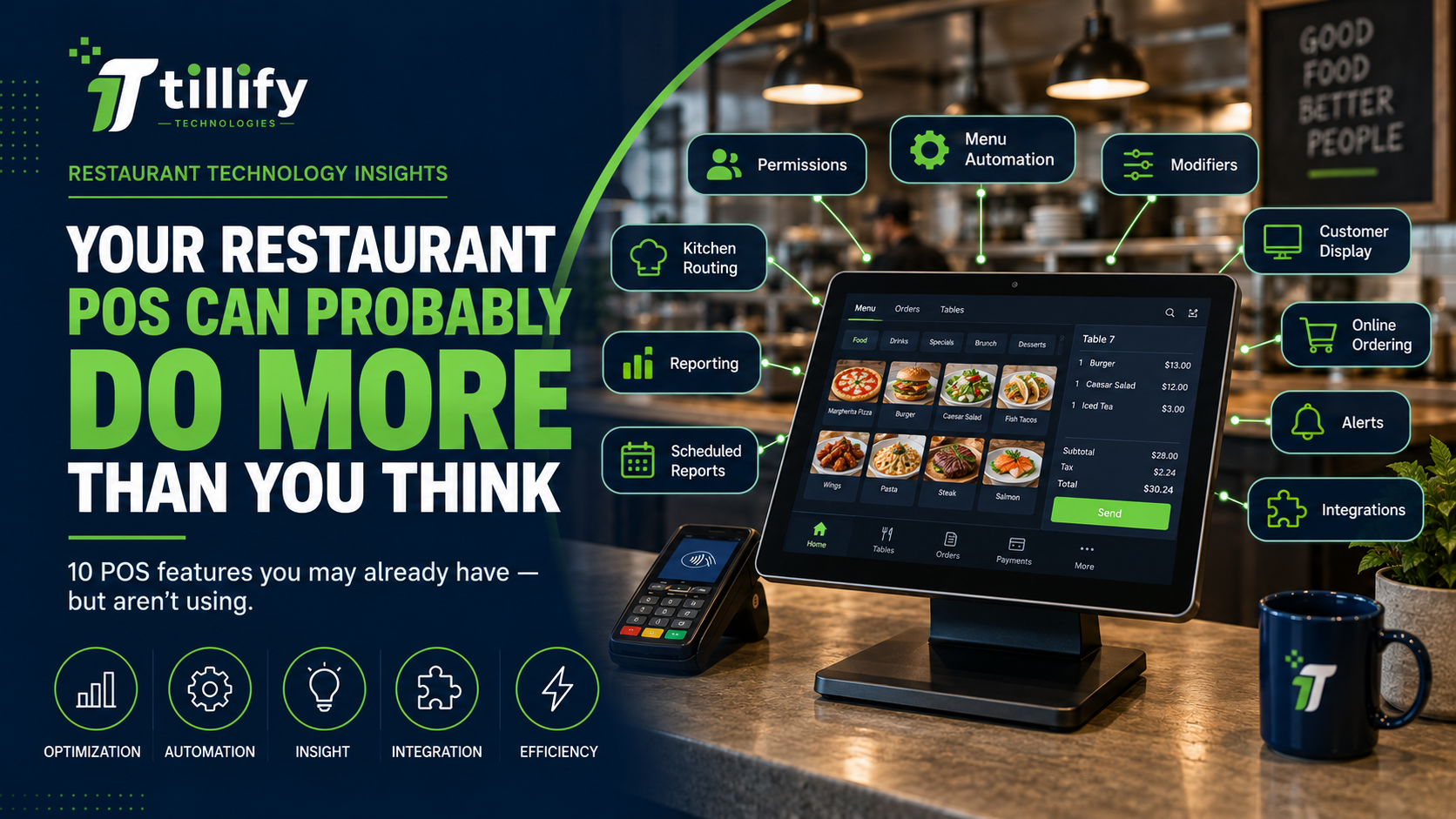
Restaurant owners spend a lot of money on point-of-sale technology. Many use only a fraction of what their system can actually do. The POS rings in orders, sends tickets to the kitchen, processes payments, and produces the nightly sales report. If all of that works, it's easy to leave the system alone. Modern restaurant point-of-sale systems include tools that can simplify operations, improve reporting, reduce mistakes, and eliminate manual work. The challenge is that those features aren't always configured during the initial installation, or restaurant operations change after the POS is installed.
Before adding another piece of restaurant technology, it may be worth asking a different question:
Are you getting everything you can from the technology you already have?
1. Role-Based Employee Permissions
Not everyone in your restaurant needs access to everything in your POS. Servers may need to split checks and apply certain discounts. Managers may need to approve voids, reopen checks, issue refunds, or access reporting. Owners may need full administrative and configuration access.
Yet restaurants sometimes start with a few basic permission levels and never revisit them. More thoughtful permissions can help you control sensitive functions while still giving employees enough access to do their jobs efficiently.
Look particularly at permissions surrounding:
- Discounts and comps
- Voids
- Refunds
- Cash drawers
- Closed checks
- Reporting
- Menu changes
- Employee administration
The goal isn't to restrict everything.
It's to give the right employees the right access.
2. Automated Daypart and Menu Changes
Does someone have to remember to turn happy hour on every afternoon? What about breakfast becoming lunch? Weekend pricing? Late-night menus? Items that are only available on certain days?
Your POS may handle some of these changes automatically. Depending on the platform, restaurants can schedule menus, pricing, availability, discounts, and other settings by time and day. That reduces one more thing managers have to remember during a busy shift.
3. Better Modifier Configuration
Modifiers are one of the least glamorous parts of a POS system and one of the most important. Poor modifier configuration can make ordering unnecessarily complicated.
Consider a burger.
Instead of presenting an employee with every possible restaurant modifier, the POS could walk through a logical sequence:
Temperature → Cheese → Toppings → Side → Add-ons
Good modifier design makes ordering easier to use and communicates clearer information to the kitchen.
If employees regularly complain that ringing in certain items takes too many steps, the problem may not be the POS itself. It may need a better menu configuration.
4. Kitchen Routing
Not every item needs to go everywhere.
Drinks may need to reach the service bar. Entrées may go to the hot line. Desserts may route somewhere else. Takeout orders may need different production information from dine-in orders.
Most restaurant POS systems provide some level of routing control. However, as the restaurant changes, routing rules don't always keep up. That can lead to unnecessary tickets, missed items, duplicate production, or employees verbally communicating information the POS should handle automatically.
Periodically review where orders are going and why.
5. Better Reporting
Restaurant POS systems collect a lot of data. The problem is that many operators look at the same handful of reports every day:
Net sales. Labor. Cash. Credit cards. Done.
Those numbers matter, but your system may be able to tell you considerably more.
Depending on the platform, you may be able to analyze:
- Sales by hour
- Sales by daypart
- Menu-item performance
- Discounts
- Comps
- Voids
- Employee sales
- Payment types
- Order channels
- Average check
- Guest counts
- Category performance
The goal isn't to generate more reports. It's to identify which information actually helps you make decisions.
6. Scheduled Reports
Even useful reports aren't very helpful if nobody remembers to look at them. Your POS may let you automatically email or otherwise deliver reports on a schedule.
An owner might receive a daily sales summary.
A general manager might receive a weekly discount and void report.
An operations team might receive a location comparison every Monday.
Automating useful reporting reduces the need to log into a dashboard and recreate the same report repeatedly.
7. Customer-Facing Displays
If your restaurant uses counter service, a guest-facing display can do more than show the transaction total.
Depending on the POS platform and configuration, it may display the order as it's entered, let guests confirm selections, collect tips, show loyalty information, or support payment.
This creates another opportunity to catch mistakes before the transaction is completed.
If you already have supported hardware, there may be functionality available that was never configured.
8. Online Ordering Integration
Online ordering becomes much easier to manage when orders flow directly into restaurant operations.
Without a good integration, employees may have to monitor another tablet, manually enter orders into the POS, update menus in multiple places, or reconcile separate systems.
If you're already paying for POS-integrated online ordering, or your platform now offers functionality that wasn't available when you originally installed it, it may be worth revisiting.
The restaurant technology market changes quickly. Your POS today may do much more than it did when you first bought it.
9. Alerts and Notifications
You can't watch the restaurant every minute. Your technology potentially can.
Some POS and restaurant-management platforms can notify managers or owners when particular events occur. That could include unusual discounts, voids, overtime, sales thresholds, equipment issues, or other operational events.
The useful question isn't:
"How many alerts can I turn on?"
It's:
"What would I actually want to know about when I'm not standing in the restaurant?"
Too many notifications become noise.
A few well-chosen ones can be valuable.
10. Integrations You're Already Paying For
Restaurants sometimes subscribe to separate software without realizing their existing technology already provides similar functionality, or can connect directly to another system they're using.
Before adding another monthly subscription, look at your current technology stack. Your POS may already integrate with systems for:
Accounting, payroll, scheduling, inventory, reservations, loyalty, gift cards, delivery, online ordering, marketing, and reporting.
That doesn't mean the POS-native option is always the best choice.
It does mean you should understand what you already have before buying something else.
Your POS Configuration Shouldn't Be Frozen in Time
A POS installation represents your restaurant at a particular moment.
Then the restaurant changes.
You add menu items.
Prices change.
Employees come and go.
You start online ordering.
You add handhelds.
You change your kitchen workflow.
Maybe you opened another location.
Yet the original POS configuration often remains largely untouched. That's how inefficiencies accumulate. A system configured correctly three years ago isn't necessarily configured correctly for the restaurant you're running today.
Before You Replace Your POS, Optimize It
Sometimes replacing a POS system absolutely makes sense.
But frustration with your current system doesn't automatically mean you need a new one.
If employees take too many steps to enter orders, reporting isn't useful, kitchen routing is messy, or managers constantly work around the system, first determine whether the issue is a platform limitation or a configuration problem.
That's an important distinction.
Replacing an entire POS system to fix a configuration issue is expensive.
The Bottom Line
The best restaurant technology investment isn't always buying something new.
Sometimes it's getting more value from something you're already paying for. Take a fresh look at your POS as though you were installing it today.
Ask what features you're using, what you're ignoring, what employees find frustrating, what managers still do manually, and what's changed since the system was originally configured.
You may discover that your POS doesn't need to be replaced.
It just needs to work better for the restaurant you've become.
Is Your POS Working as Hard as It Should?
Tillify Technologies helps restaurants improve the technology they already have—from menu configuration and POS optimization to integrations, hardware, installation, and ongoing system maintenance.
Before adding another system or replacing the one you have, it may be worth finding out what your existing technology can already do.
Let's make your restaurant technology work smarter, together.
Comments